Page Jarvis Blog
AI writing, reading, and productivity workflows for Chrome
Category: AI Productivity
-
Learn how to rewrite highlighted text without leaving the page. See why selection-only editing is faster, cleaner, and easier with Page Jarvis. If you want to rewrite highlighted text without leaving the page, the best workflow is simple: highlight the exact sentence or paragraph you want to improve, run an in-page rewrite, review the output,…
-
If you want to use Page Jarvis with Groq’s free daily credits, the setup is pretty simple: create a Groq API key, paste it into Page Jarvis, choose a Groq-supported model, and start using the extension inside your browser. The big advantage is cost. Groq is fast, and if your account has free developer usage…
-
Most AI writing workflows feel fast at first. You open a chatbot in another tab. You paste a paragraph, ask for a rewrite, get something usable back, and drop it into your draft. On paper, that sounds efficient. But once you do this for real work: not a demo, not a one-line prompt, but actual…
-
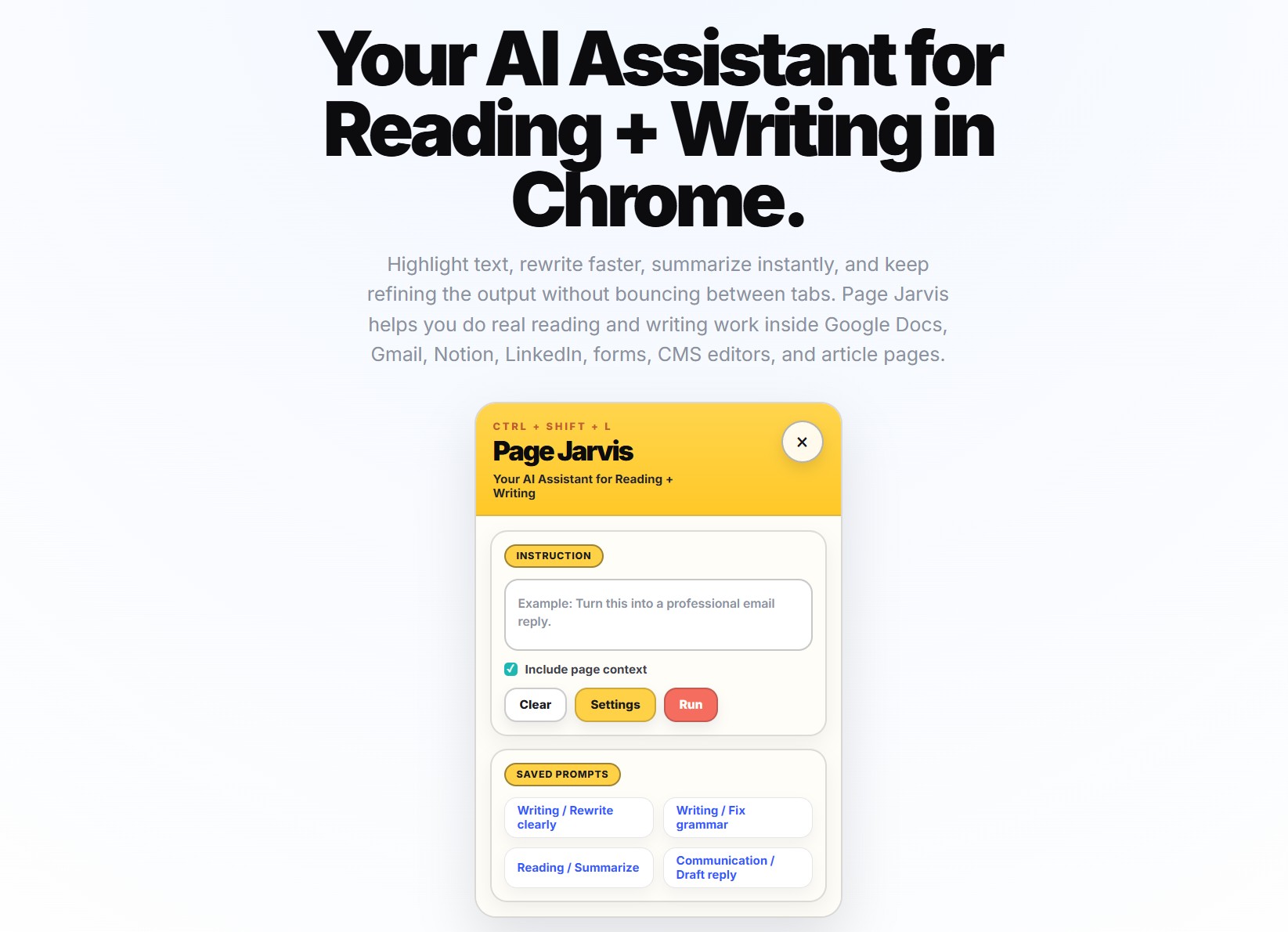
Most AI tools interrupt your workflow. You are reading an article, drafting an email, editing a Google Doc, or writing a LinkedIn post. Then you have to copy the text, open another tab, paste it into an AI tool, generate a response, copy it back, and fix the formatting. It works, but it adds friction…